Note
Go to the end to download the full example code.
Rebinning
This example shows how to rebin a dataset.
Load the data
import lumispy as lum

cl1 = lum.data.asymmetric_peak_map()
cl1 = cl1.remove_background(signal_range=(550.0, 620.0), background_type="Offset")
cl1 = cl1.isig[:-3]
cl1.spikes_removal_tool(interactive=False)

cl3 = cl1.deepcopy()
Display the original data
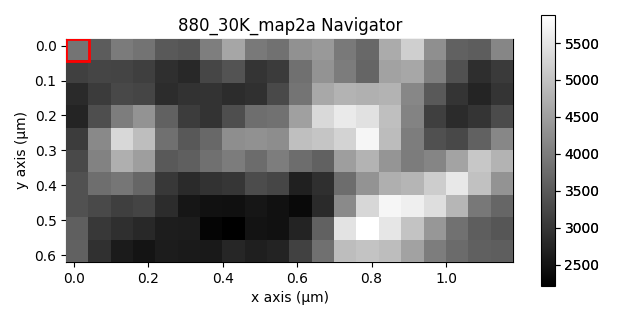
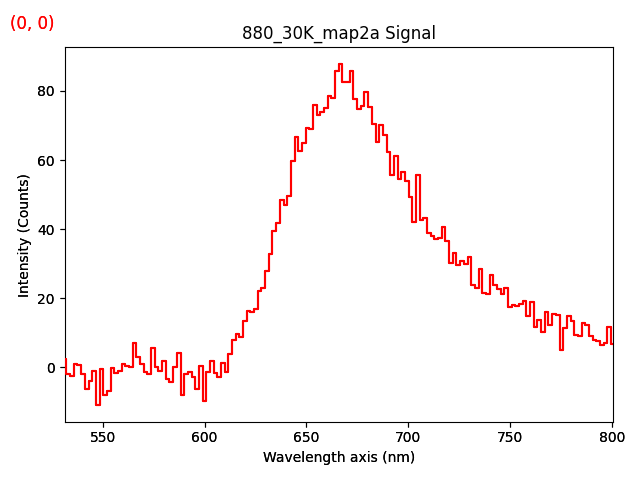
cl1.inav[0, 0].plot()
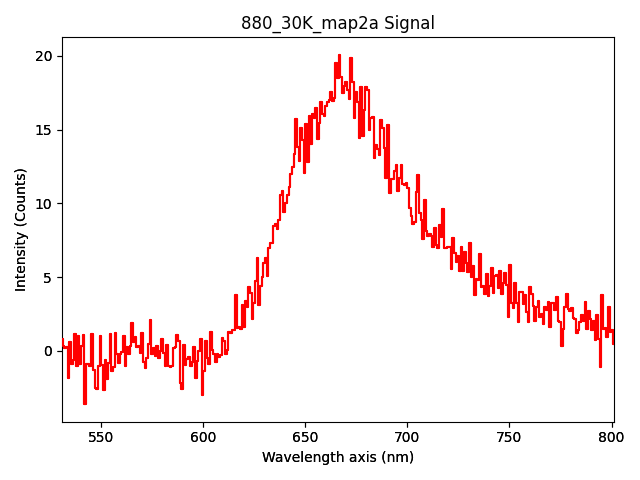
The current dataset is quite noisy. As the peak is broad in comparison with the spectral resolution.
One way to improve that is by rebinning the data along the signal axis using hyperspy.api.signals.BaseSignal.rebin().
The parameter ‘scale’ specifies the rebinning factor for each axis. Here we rebin by a factor of 2 along the signal axis and keep the resolution along the navigation axes unchanged.
cl2 = cl1.rebin(scale=[1, 1, 2])
Display the rebinned data
cl2.inav[0, 0].plot()
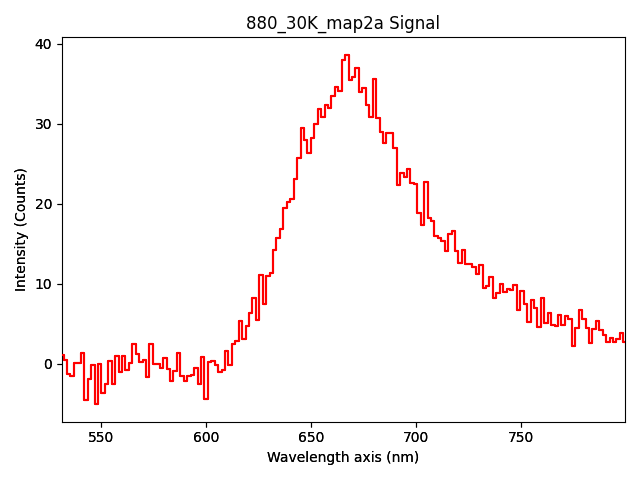
We can alternatively rebin using the parameter new_shape. For each dimension, the new number of pixels has to be specified.
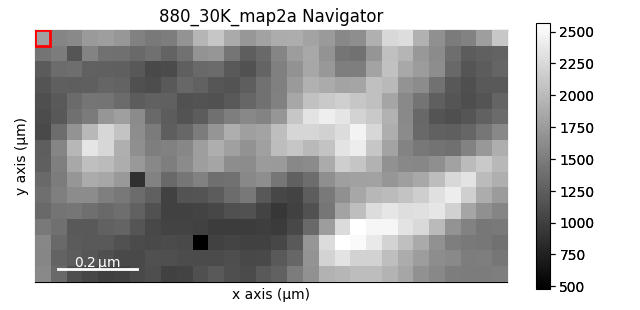
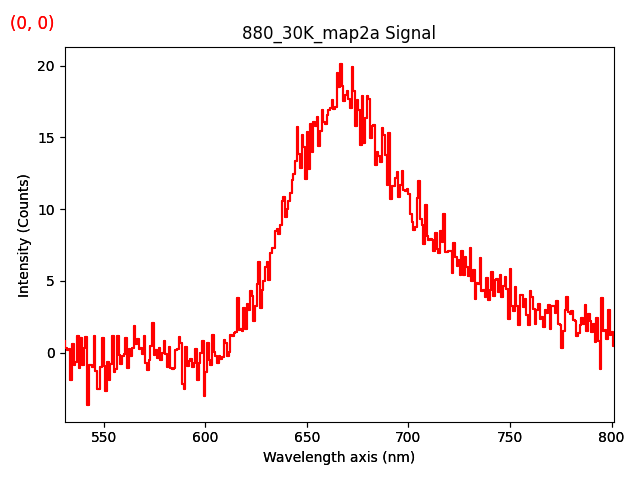
From the old shape of (30, 16|334), we rebin to a new shape of (20, 10|150).
cl3.plot()  # original data

cl4 = cl3.rebin(new_shape=[20, 10, 150])

cl4.plot()  # rebinned data
Total running time of the script: (0 minutes 10.622 seconds)